
The new RezScore workspace: your resume, its report, and Jen on one screen
After you upload a resume, RezScore now opens a workspace instead of a results page: your grade, the five checks behind it, two grades against a target role, and Jen beside the report. What changed, what it costs, and what to do first.
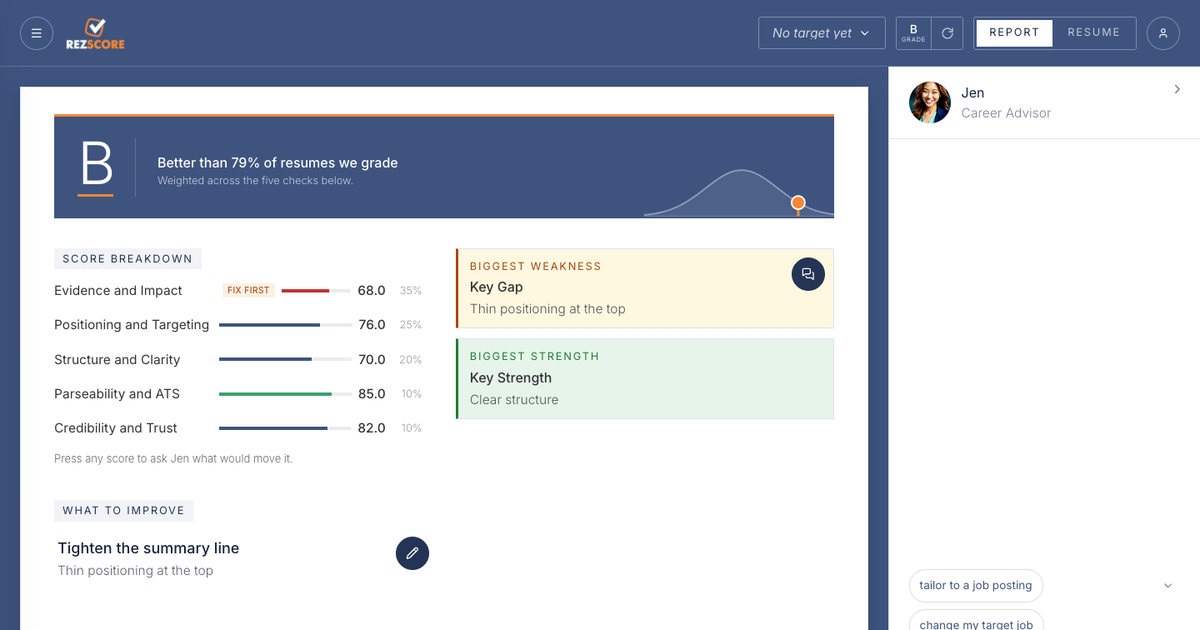
Upload a resume to RezScore and something different happens after the grade. Instead of a results page, the report opens inside a workspace: the grade and the five checks behind it on the left, your resume one click away, and Jen, our AI career advisor, in a panel beside both. It went live on September 12. This post is the tour, including the parts we are still building.
The screenshots below come from test resumes, not customer reports.
Why we rebuilt it
For most of RezScore’s life the grade was the product. You uploaded, you got a letter, and if you wanted to do anything about it you went looking. The chat was on one page, the builder on another, the report on a third. The grade answered “how good is it?” and then left you alone with the harder question, which is “what do I change?”
We wrote earlier this month that most people grade once and never touch the resume again. The workspace is built around the second question. Everything on the screen points at the next edit.
One screen
The screenshot at the top of this post is the overview. The top band is the grade and where it sits on the curve of resumes we grade. Under it is the score breakdown: the five checks, each with its weight, so you can see that Evidence and Impact carries 35 percent of the grade and Parseability carries 10. The lowest score gets a “Fix first” tag when it is under 70. Beside the breakdown, the report names your biggest weakness and biggest strength in a line each, and “What to improve” gives you the single edit we would make first.
Every score is a button. Press one and Jen opens a thread about that category and what would move it. That is the idea behind the layout: the number, the reason, and someone to ask are never more than a click apart.
Two grades against a real target
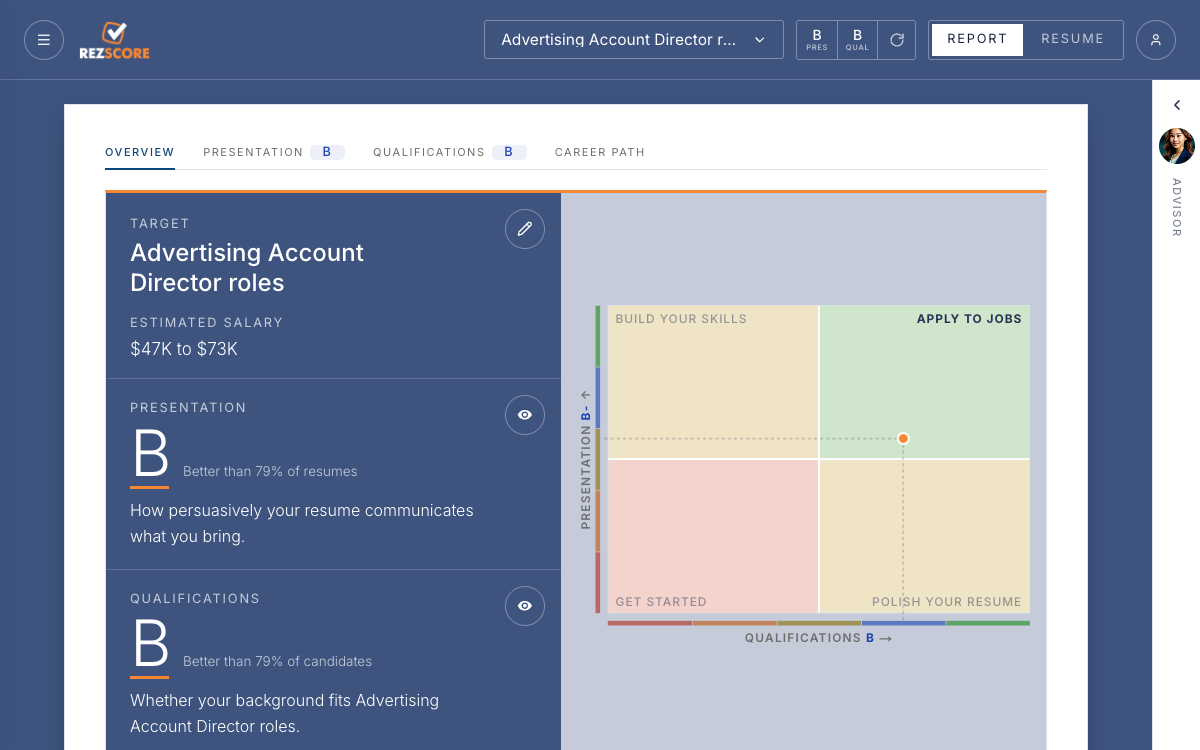
Upload now asks one question before it scores: what job are you aiming at? We read a target from the resume when we can, and you can name your own. A salary range is optional and confidential, and it sharpens the estimate on the report.
The target changes what the report can say. Presentation is how persuasively the document communicates what you bring, which is what the free grader has always measured. Qualifications is new: whether your background fits the role you named, on its own scale with its own percentile. The two land on a map with four regions, Get started, Build your skills, Polish your resume, and Apply to jobs, and the dot tells you which kind of work comes next. A strong document for a role you are not ready for and a weak document for a role you could do tomorrow are different problems, and one letter grade could never tell them apart.
Under the map, “Our verdict” is a written read of the resume against the target: whether the background holds up for the role and the document sells it, the gaps that matter, and what to fix first. Beside it is an estimated salary for the target.
Jen beside the report
Jen has read the resume before you type anything, so her answers are about your document rather than resumes in general. The panel opens with the actions people ask for most: tailor this resume to a job posting, change the target job, update the estimated salary, and have a person rewrite the resume. Paste a posting and the tailoring runs against your actual resume; the original stays untouched.
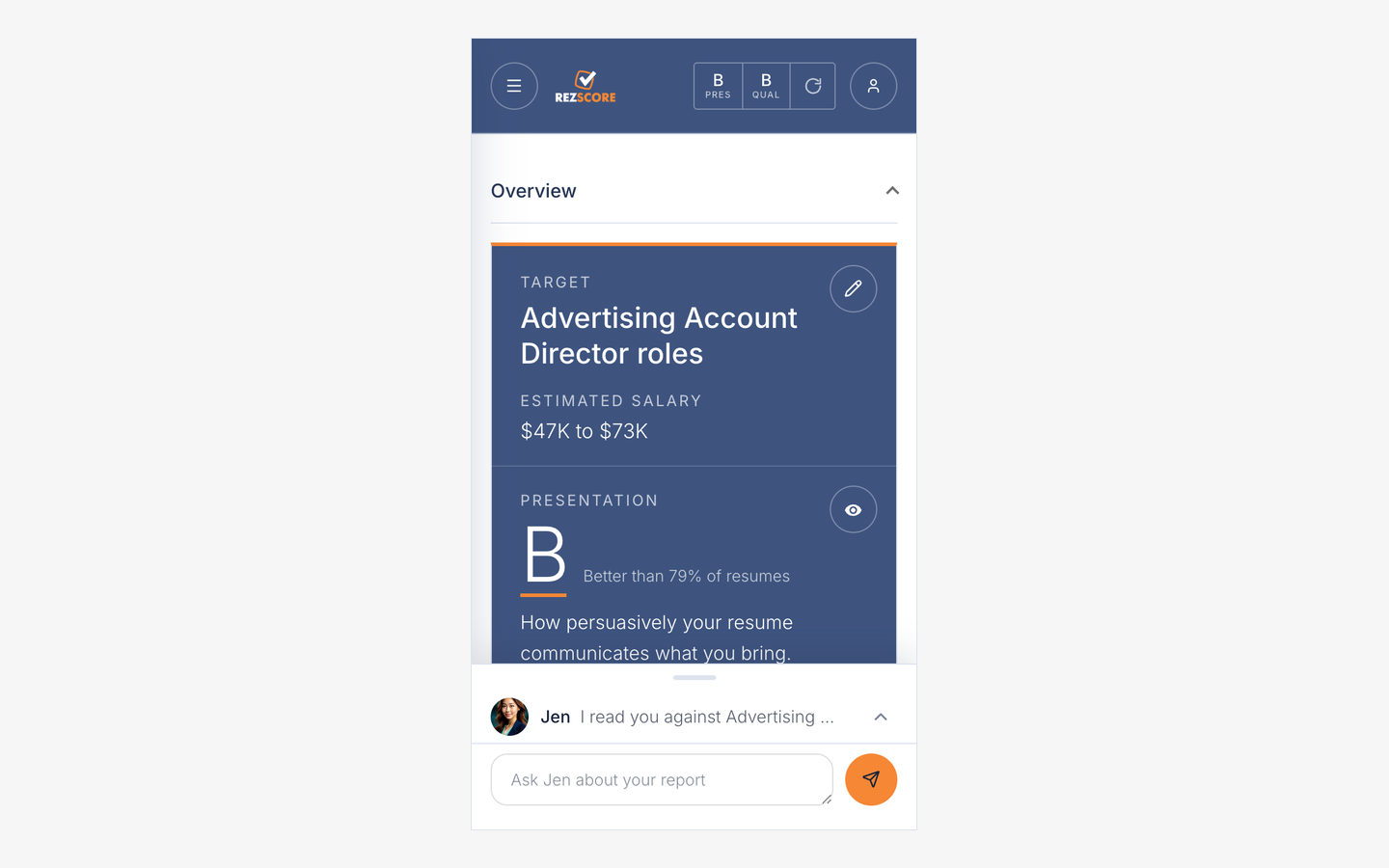
On a phone, the report takes the screen and Jen lives in a sheet at the bottom that you pull up when you want her.
Report and resume, side by side
The header has a Report and Resume toggle. Report is everything above. Resume is the document itself, parsed the way a screening system reads it, which is worth one look even if you change nothing, because it shows you what a machine saw. On the paid plans, edits happen here in place with Jen. Professional adds export to PDF or Word, edit history with undo, and a switcher for up to five saved resumes, so the version tailored for one role sits beside the version for another.
If you graded before, your saved report is already in the workspace. If your session is still available, you can reopen it from the homepage. Otherwise, sign in with the email address you used and it should be waiting.
Under the hood
The grade still uses the 2026 rubric we published in July: the same five categories and the same weights. Two extraction fixes shipped alongside the workspace. PDFs that squeeze words together now get a second extraction pass before scoring, so words that ran together are read as words. And files that are not resumes, a song share, a set of release notes, a device log, are turned away before they are stored or graded, so they no longer use up a free grade.
One tab is unfinished and says so. Career Path is a waitlist today. We would rather show a door with a sign on it than pretend the room is furnished.
The front door, too
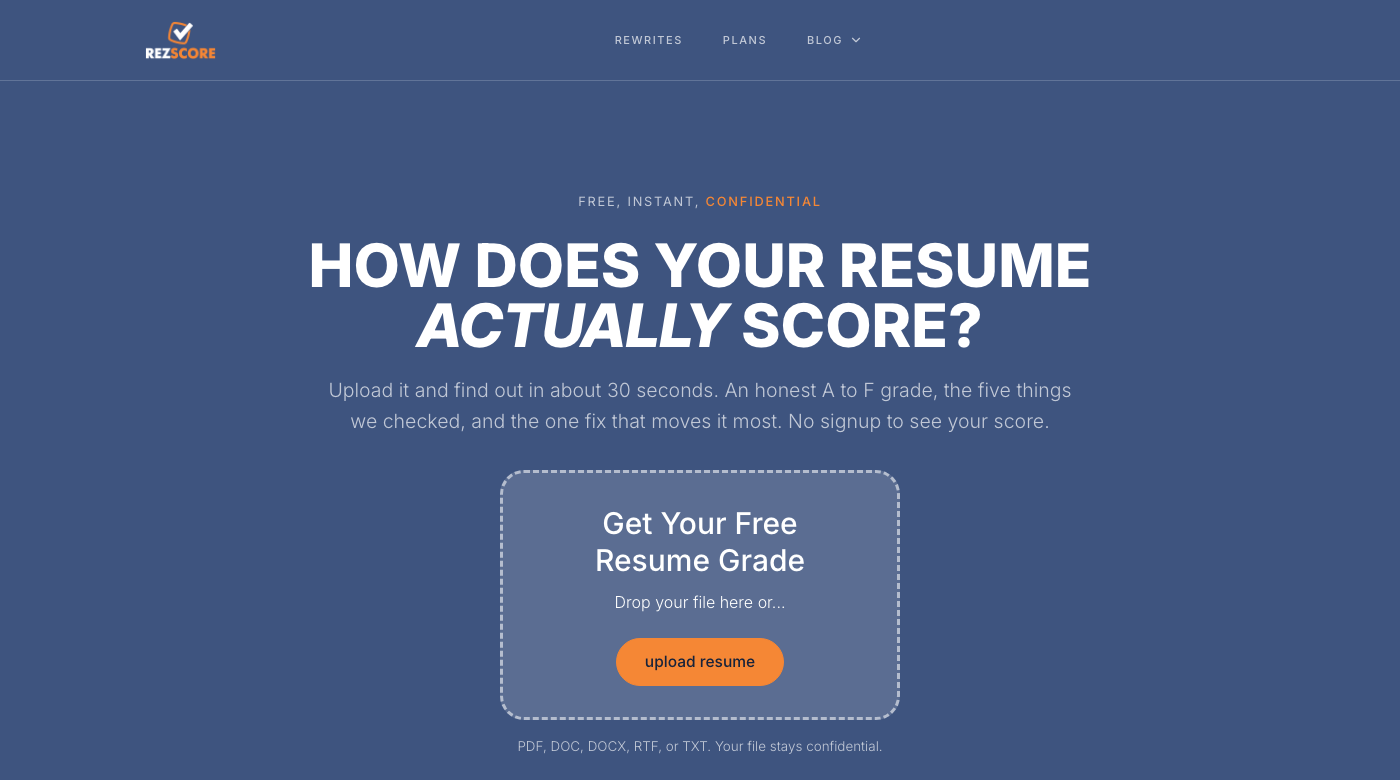
The homepage changed with it. It now has one job: drop a resume, get the grade in about 30 seconds, no signup to see your score. Everything else, the 60-second walkthrough, what each of the five checks measures, the builder and the rewrite service, sits below the upload box for anyone who wants to read before they try.
What it costs
The first grade is complete, not a teaser, and free. No signup to see your score. The plans are for the work after the grade: editing with Jen in place, exports, several saved resumes, and job search from the chat. The plans page lists what each includes.
What to do first
Upload the resume you are actually sending. Name the role. Read the verdict before the numbers. Then press the lowest score and ask Jen what would move it. That takes about five minutes.
See how your resume actually scores.
Grade my resume - freeTry the free resume grader to see your resume score in seconds.
← All posts